Top 10 QuickBooks Tips to Speed Up Your Bookkeeping
QuickBooks Desktop is packed with time-saving features that most users never discover. These ten tips can cut your weekly bookkeeping time significantly and reduce data-entry errors.
1. Use Memorized Transactions
For recurring bills and invoices, set up a memorized transaction (Ctrl+M on any transaction) and choose a schedule. QuickBooks will remind you or even auto-enter it on the due date.
2. Master Batch Invoicing
In QuickBooks Desktop, you can create one invoice and send it to multiple customers at once via Customers > Create Batch Invoices. This is a game-changer for service businesses billing many clients the same monthly fee.
3. Keyboard Shortcuts
- Ctrl+I — Create Invoice
- Ctrl+W — Write Check
- Ctrl+R — Register for selected account
- Ctrl+T — Open memorized transaction list
- Ctrl+F — Find a transaction
- Alt+F4 — Close QuickBooks
4. Bank Feeds with Rules
Set up Bank Feed Rules under Banking > Bank Feeds > Bank Feed Center > Rules. Rules automatically categorize recurring transactions (e.g., all charges from 'AWS' → Office Expenses) so you only review exceptions instead of manually categorizing every line.
5. Use the Accountant Copy
If you work with an accountant at year-end, use File > Accountant's Copy > Save File. Your accountant works in their copy while you continue entering daily transactions. QuickBooks merges the changes when they send back the file.
6–10: More Quick Wins
- 6. Customize your icon bar to put your most-used reports one click away
- 7. Use Classes to track profit by department or location
- 8. Set up customer payment terms to automate aging reports
- 9. Email invoices directly from QuickBooks instead of printing
- 10. Run the Verify Data utility monthly to catch file corruption early
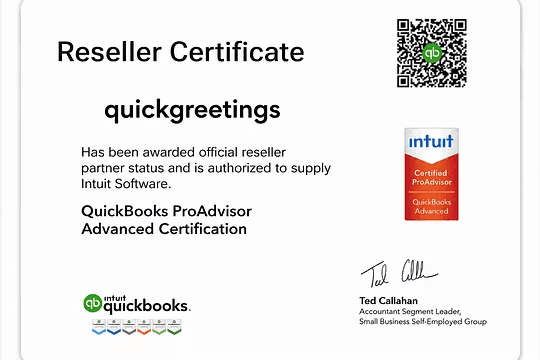
Buy Genuine QuickBooks Desktop Licenses
Authentic license keys, guaranteed activation, email delivery within 24 hours. One-time purchase, no subscription.